Channel analytics
Explore channel statistics, available performance metrics, publishing activity, and video details.
YouTube analytics & growth intelligence
Analyse channel performance, understand individual videos, compare competitors, and turn YouTube data into clearer content decisions.
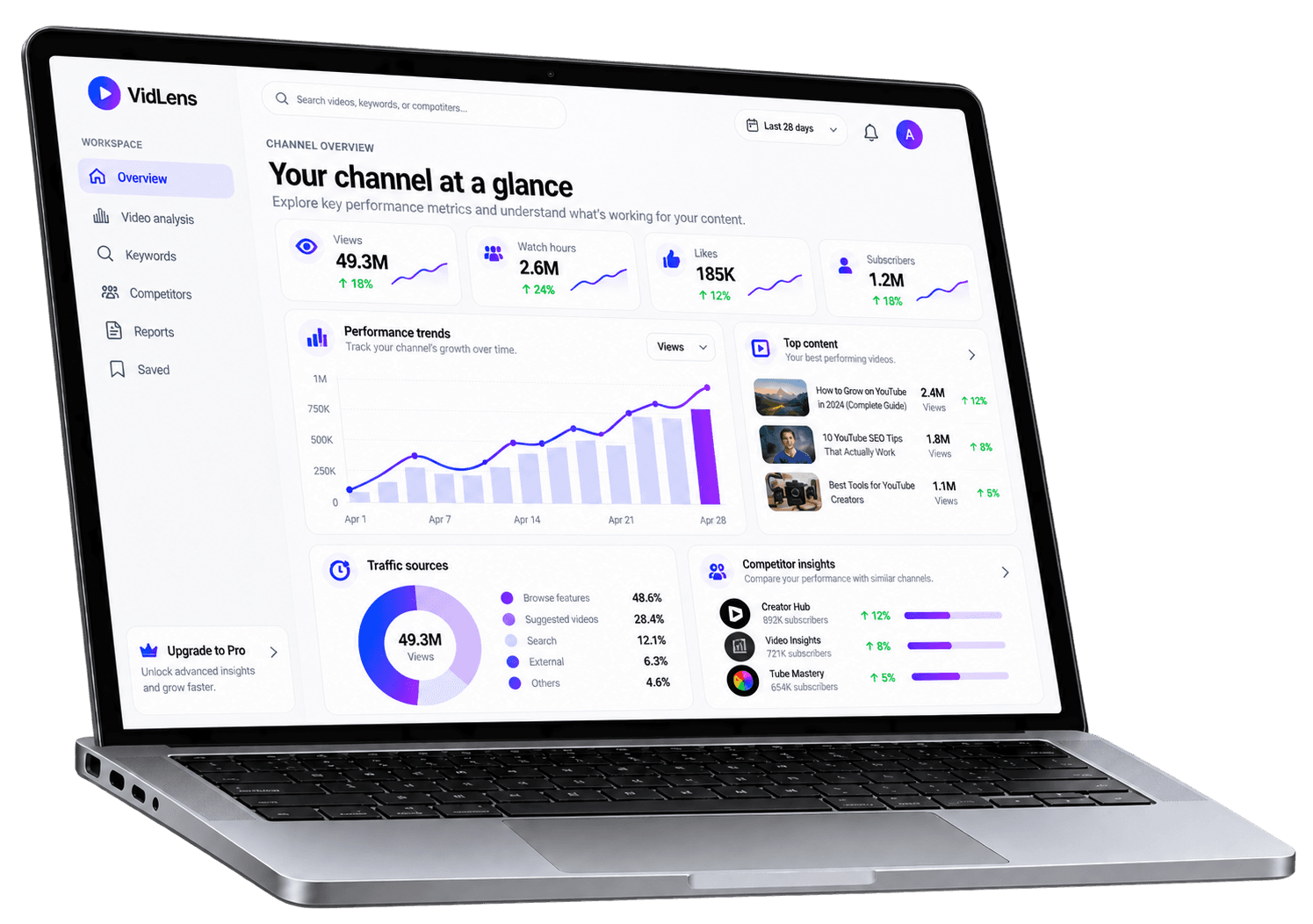
Illustrative VidLens dashboard preview. Displayed metrics and charts are sample visuals, not live account data.
One connected workspace
Explore the signals behind your videos, investigate competing channels, and bring your research together in one place.
06
Core product capabilities
01
Connected workspace
Explore the tools. Understand the evidence. Decide what to do next.
Explore the workspaceExplore channel statistics, analyse video performance, discover keywords, and benchmark competitors from one workspace.
VidLens
Creator workspace
Explore the workspace
Workspace preview
Explore available performance metrics and find your way to the analysis that matters.
Performance overview
Available analysis
Recent analyses
Available analysis
Key findings
Available analysis
Channel overview
Abstract illustration, not live account data
Explore the real tools behind the preview after creating your account.
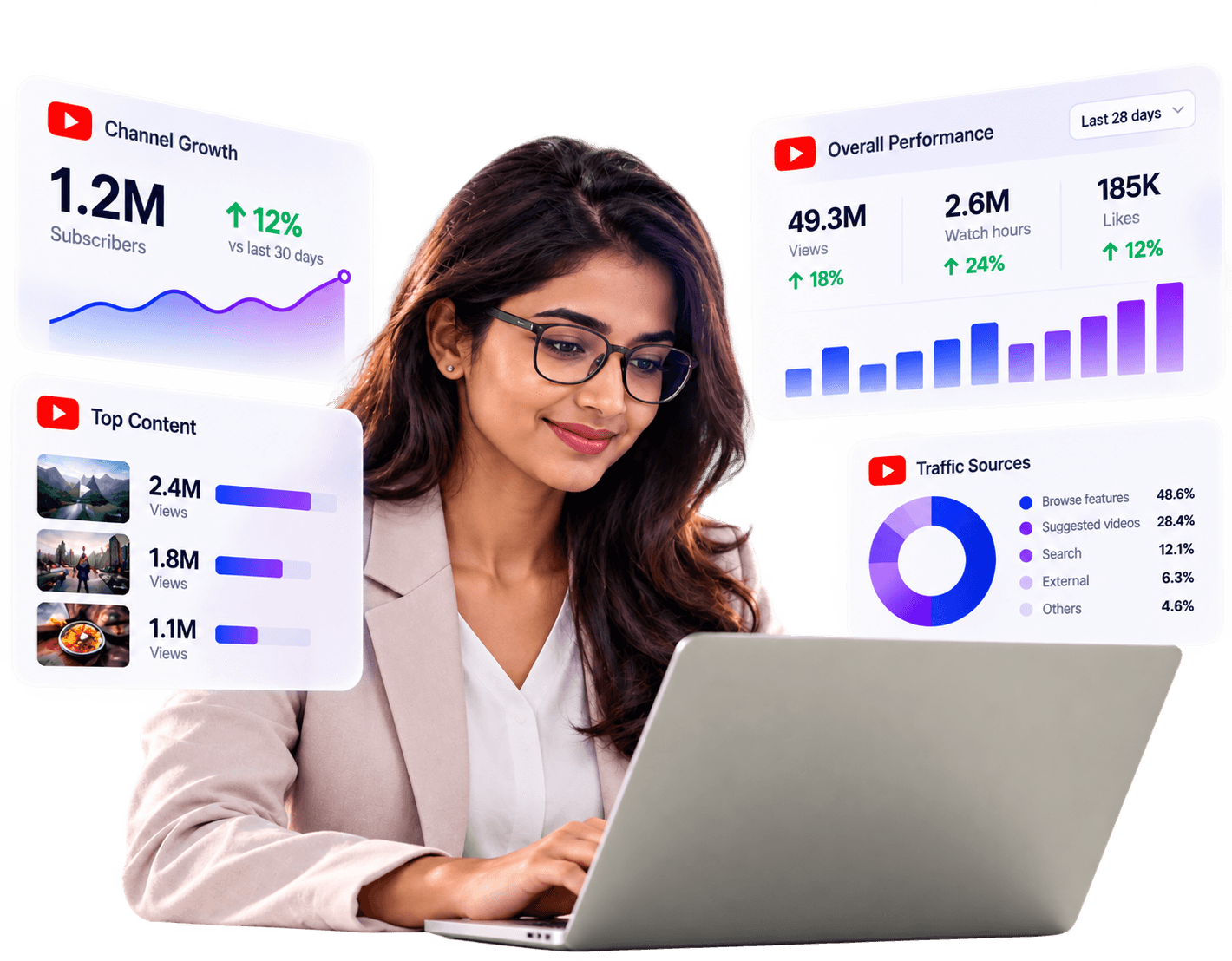
Channel intelligence
Explore channel statistics, video activity, performance patterns, and available engagement signals without jumping between disconnected tools.
Research workspace
Channel comparison
Compare available channel details and performance signals.
Content discovery
Explore relevant terms and topic opportunities.
Context before conclusions
Interpret findings using the evidence and limitations available for the analysis.
Smarter content decisions
Investigate competing channels, explore keyword ideas, and examine relevant findings to understand what you might want to test next.
Built for smarter creators
Understand your channel, research content opportunities, and compare performance from one connected workspace.
Explore channel statistics, available performance metrics, publishing activity, and video details.
Review video analytics, calculated metrics, historical snapshots, and performance trends where data is available.
Compare channels and investigate the differences, relative performance, and content gaps available in your analysis.
Explore keyword terms, tags, related topics, and potential content opportunities.
Review findings and recommendations alongside the evidence and limitations that inform them.
Return to previous analyses and organise reports for future reference.
Feature results depend on the data available to the selected analysis.
Every stage of your YouTube research
One connected workspace
From a single video to broader channel comparisons, explore the workflows available in VidLens.
Understand the metrics and signals available for an individual upload.
Explore differences in channel performance and publishing activity.
Investigate keywords and relevant terms before planning content.
Review available evidence, insights, and recommendations in context.
Examine available metrics and historical snapshots for trends.
Keep reports accessible from the workspace library.
Understand the metrics and signals available for an individual upload.
Explore differences in channel performance and publishing activity.
Investigate keywords and relevant terms before planning content.
Review available evidence, insights, and recommendations in context.
Examine available metrics and historical snapshots for trends.
Keep reports accessible from the workspace library.
These cards describe product workflows, not customer testimonials or measured customer outcomes.
A workflow in practice
VidLens brings analysis, comparison, and research tools together so you can explore the context behind a content decision rather than relying on one isolated metric.
1. Understand the current picture
Start with the video or channel information available to your analysis.
2. Investigate the context
Compare relevant channels, performance signals, or competing topics.
3. Choose what to explore next
Use the available evidence to frame your next content experiment.
Illustrative scenario, not a real customer testimonial or a promise of results.
Frequently asked questions
What to know before getting started with VidLens.
For an individual analysis, review the report details and data-availability notes to understand which findings are supported.
Your next insight starts here
Explore video performance, investigate content opportunities, and make your next move with a clearer understanding of the data available to you.
Sign up to explore the VidLens workspace.